Equipped gym
Progress on your movements.
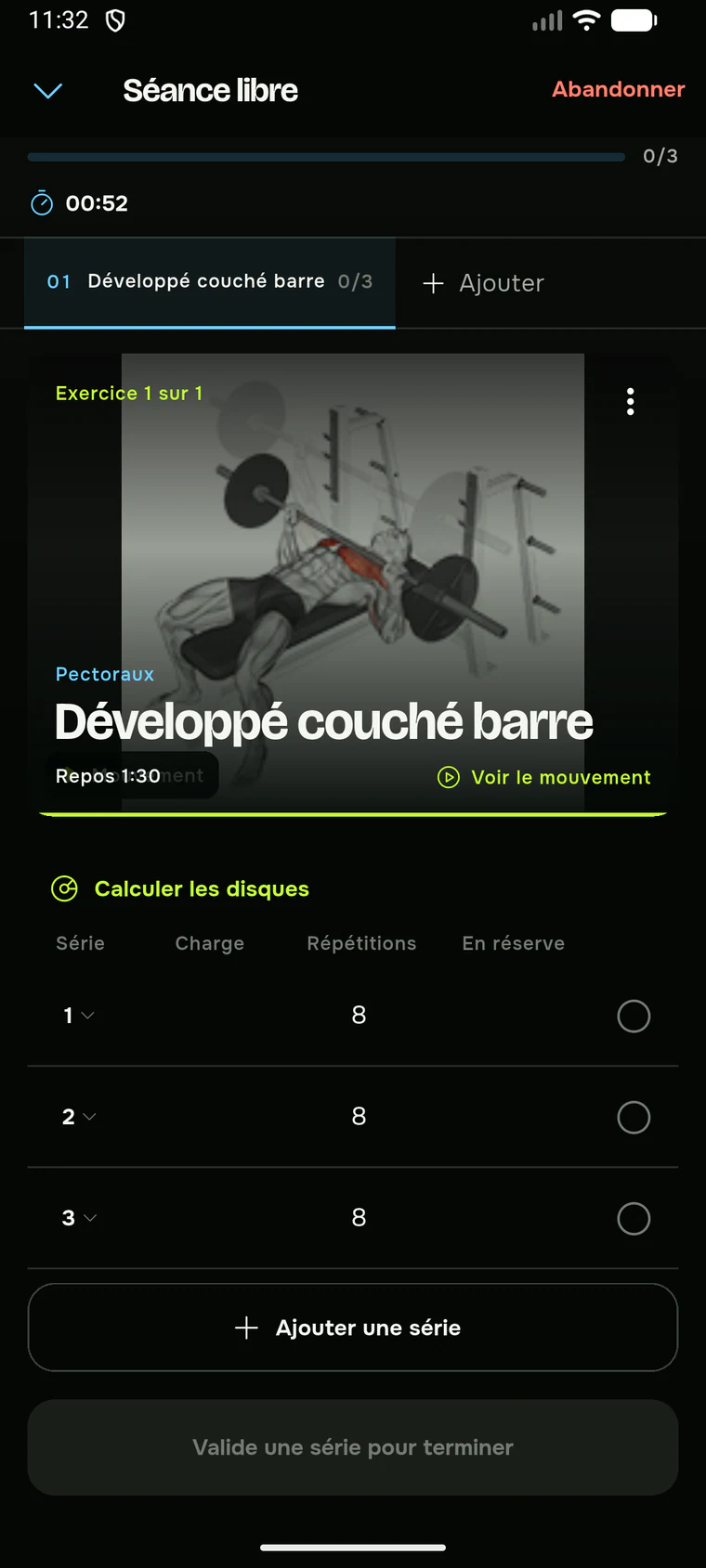
Load, reps, RIR, warm-up sets, rest and plate calculation live in one cockpit.
- Load + reps
- Rest timer
- Progression

Android beta available · direct download
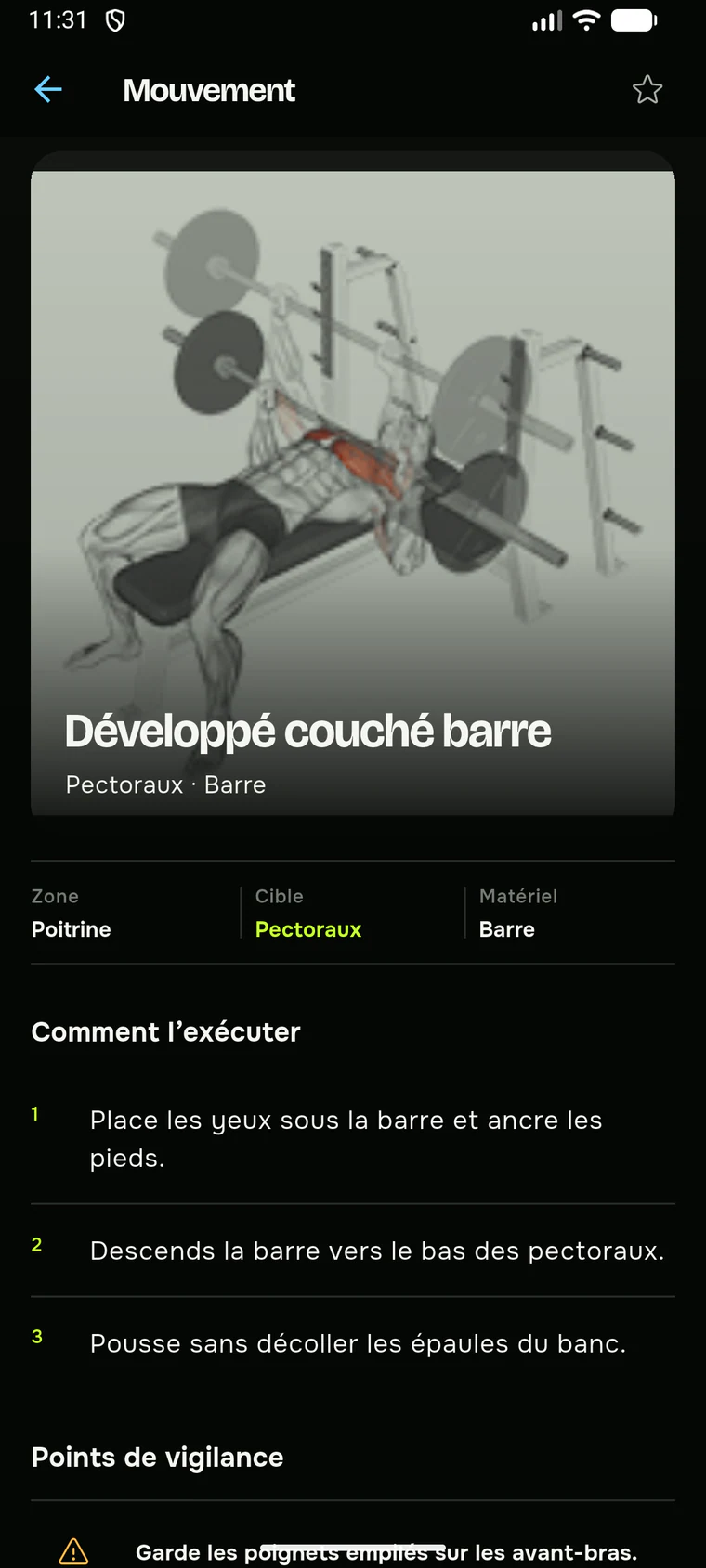
Force prepares your session, shows the movement and adapts each entry to the work you actually do: load, reps, duration, distance, intervals or circuits.

The same app.
The right input.
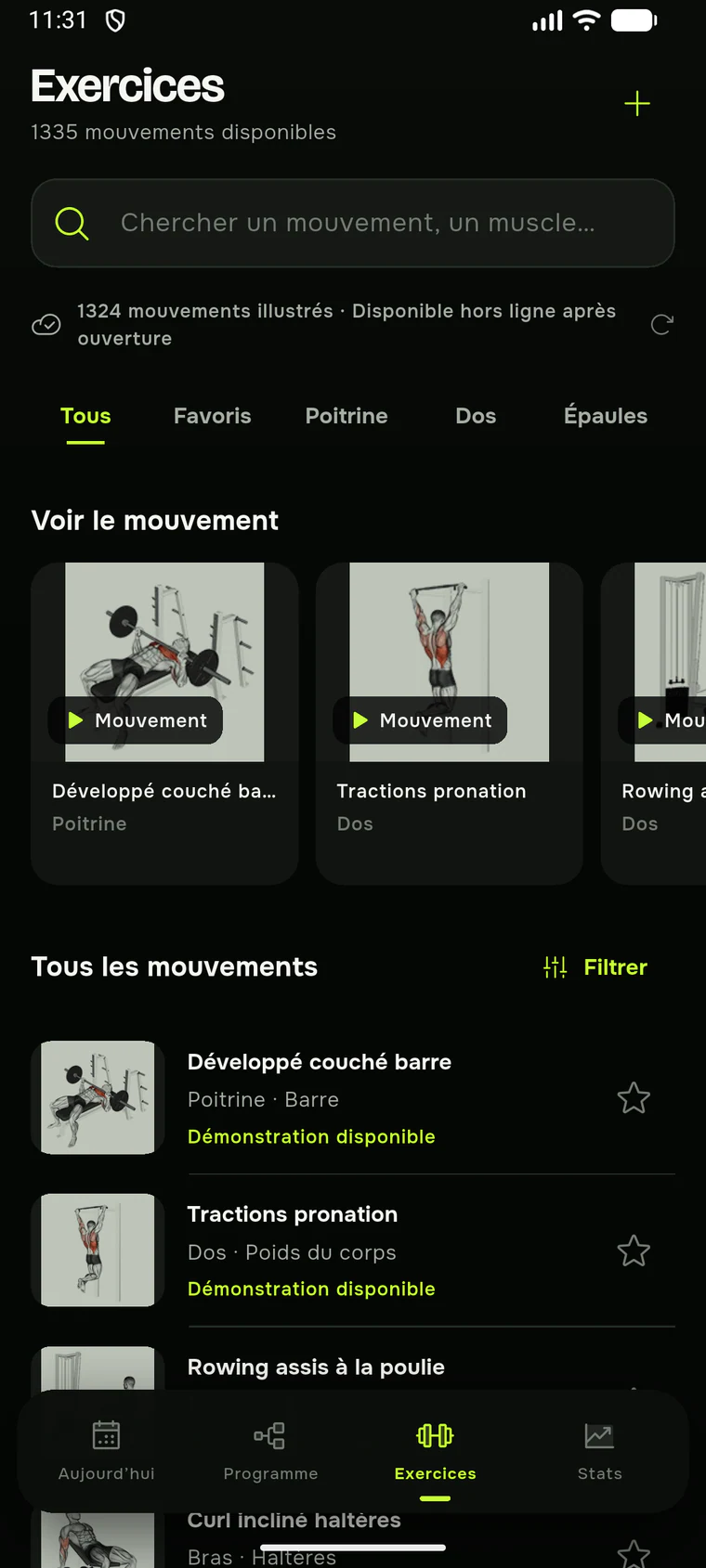
1,300+ illustrated movements
6 ways to measure effort
Local sessions recorded offline
Real history based on your entries
One app, many practices
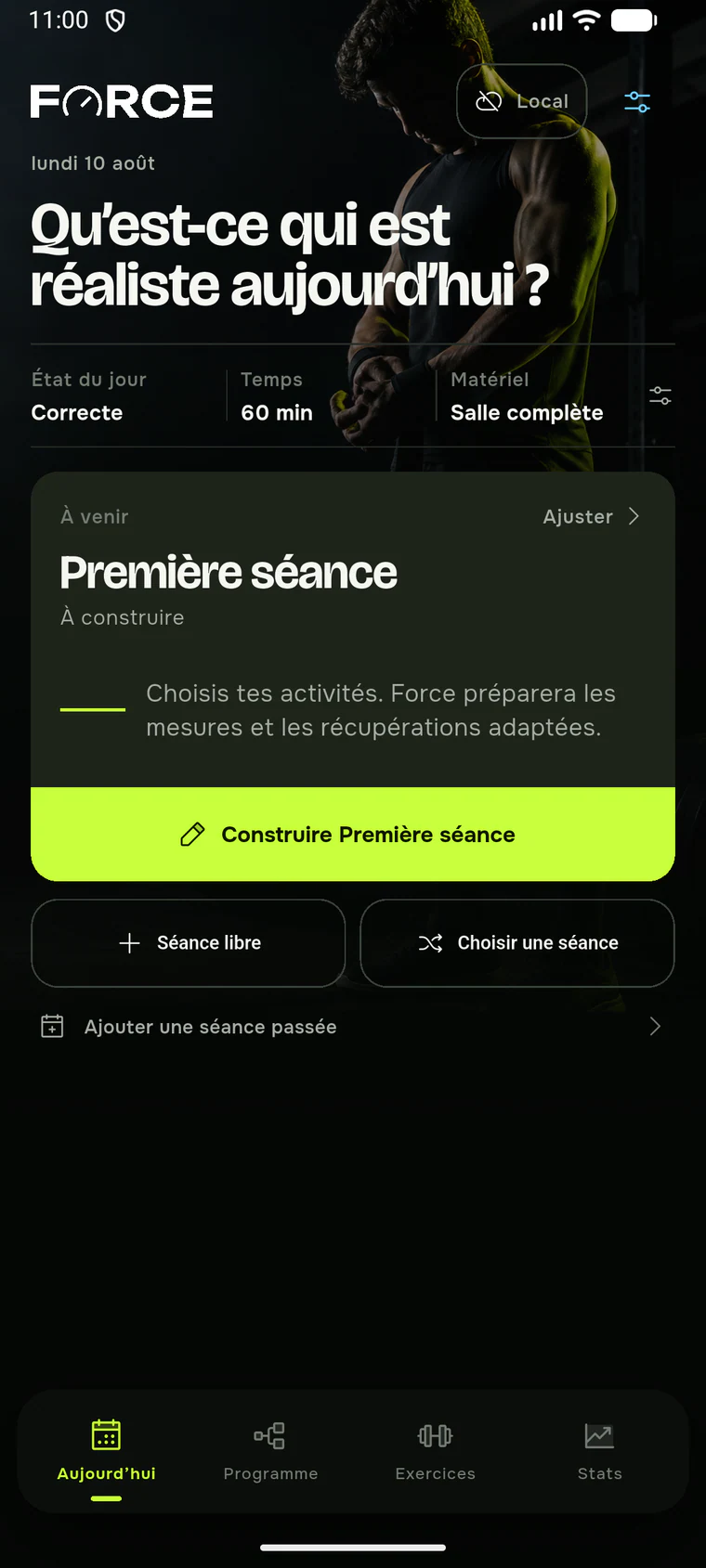
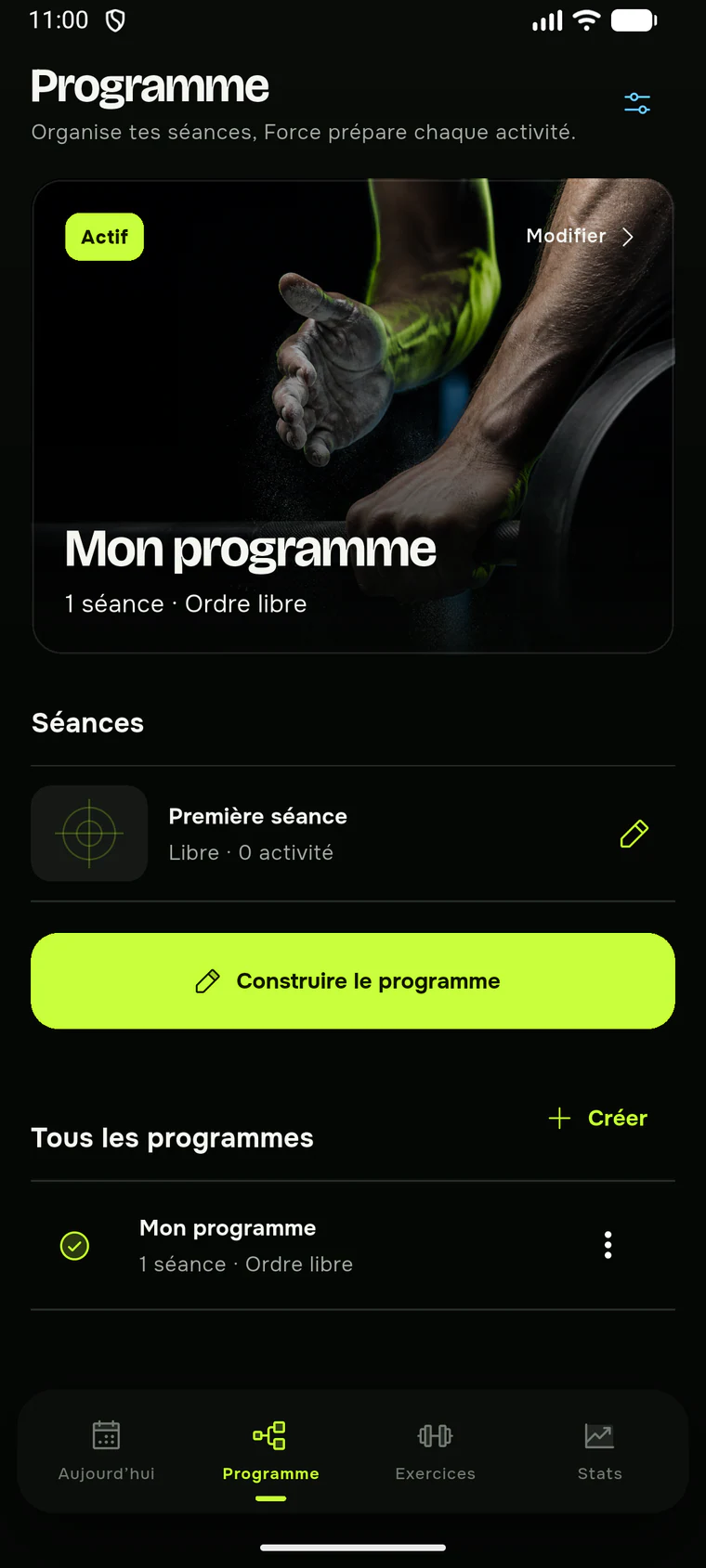
Choose your goal, focus and environment. Force proposes a visible base, then leaves every detail editable.
Equipped gym
Load, reps, RIR, warm-up sets, rest and plate calculation live in one cockpit.
At home
For planks, mobility or bodyweight work, irrelevant fields make way for holds, minutes, seconds or simple completion.
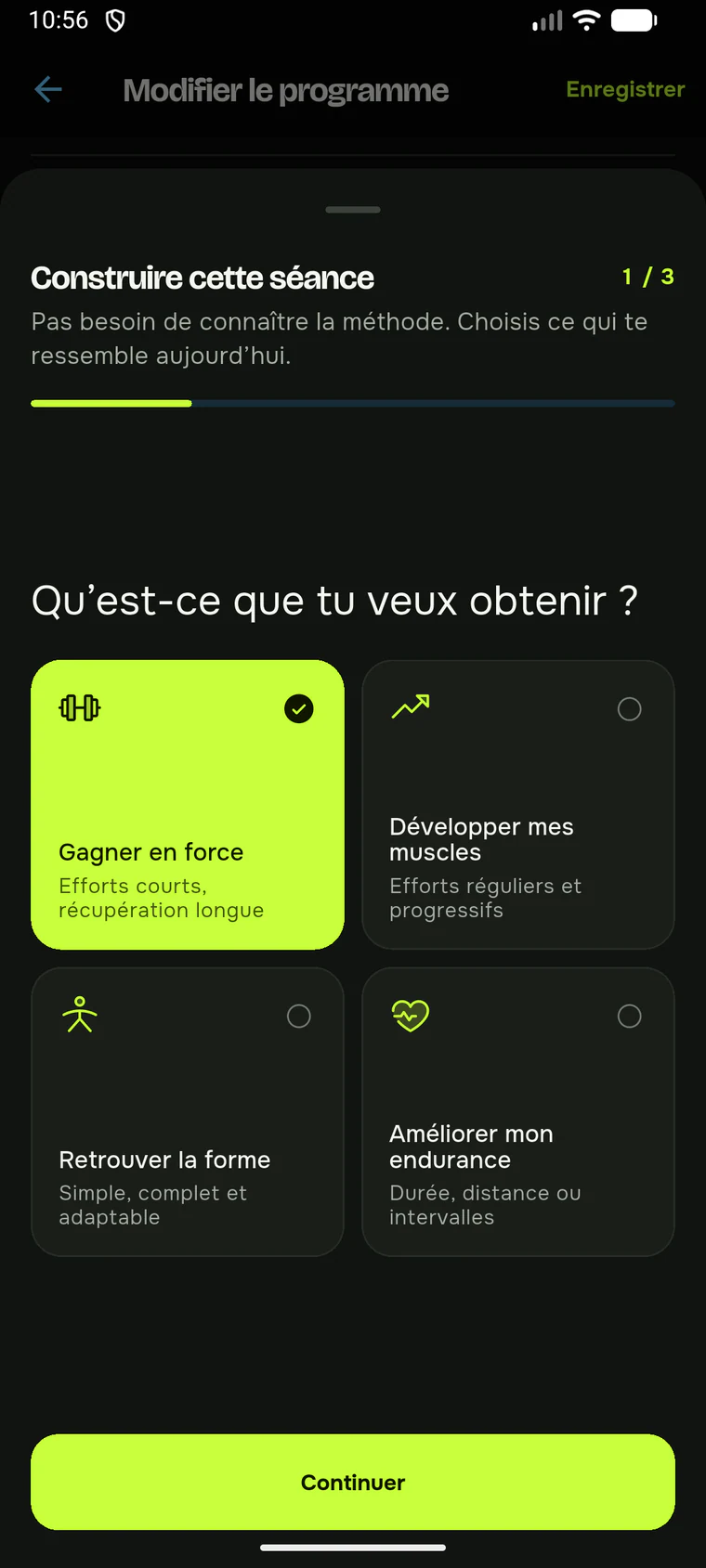
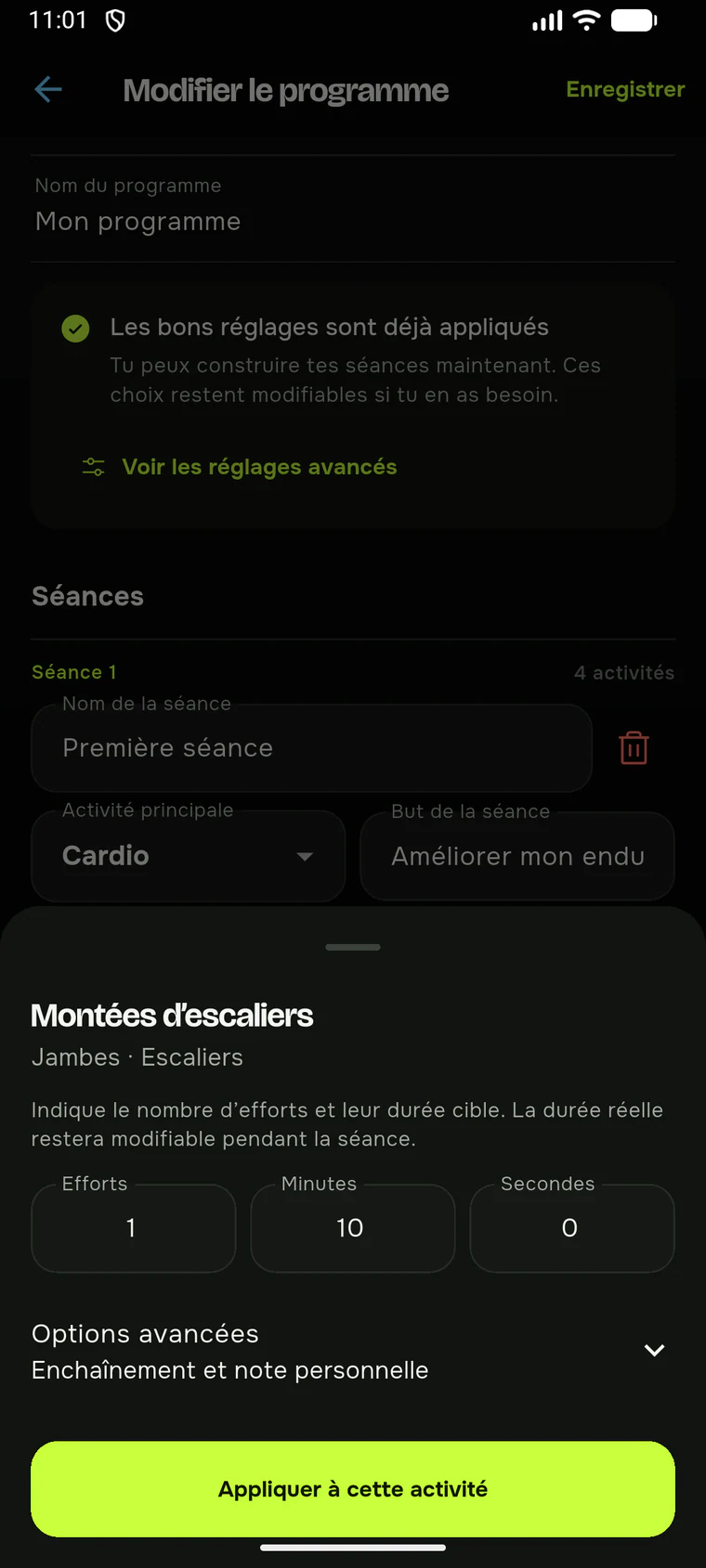
Outside or on stairs
Walking, running, cycling, stairs or circuits expose only useful distance, duration, interval or round fields.
From choice to progress
Local-first by default
Force works without an account and keeps sessions locally. Connecting your own LifeOS instance remains optional and never blocks training.
No account. Programs, sessions and measures remain in Force and work offline.
Add the address and key generated by your instance from Force settings.
Install Force
Checking release date. Local operation without an account; optional LifeOS connection.
Open the APK from your Android downloads.
Android may ask you to authorise your browser for this installation.
Train immediately; connect LifeOS later if needed.
Checking…